
There's something deeply satisfying about a picture made of tiny squares. Up close it's just a grid of colored blocks. Step back and it's a cat, a slice of pizza or a little castle on a hill. Your brain fills in the rest, and that small click of recognition feels great every time.
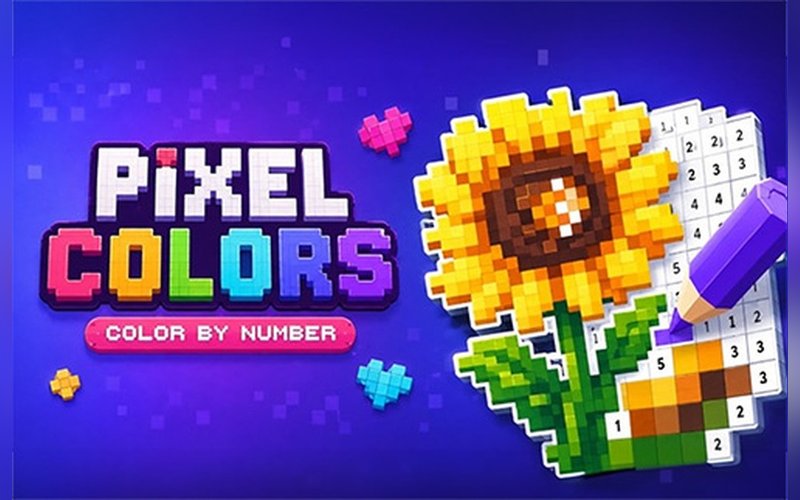
Pixel Colors is built around that click. You fill in numbered squares one color at a time, and a pixel-art picture slowly appears under your fingers.
A very short history of pixel art
Pixel art was born from limits. Early home computers and game consoles had tiny screens, very little memory and only a handful of colors to work with. Artists who made games in the 8-bit era couldn't draw smooth curves or fine details, so they placed every pixel by hand and made each one count.
That's why classic game characters look the way they do. A hero might be a few dozen pixels tall, with a mustache instead of a mouth because a mouth was too hard to show at that size. Designers learned to suggest a face, a sword or a sunset with almost nothing. The constraint became a style.
When screens got sharper, pixel art didn't disappear. It turned into a deliberate aesthetic, beloved for its nostalgia and its charm. Indie games, icons, fan art and cross-stitch patterns still use it today, and plenty of artists choose the grid on purpose because it makes them think about every single dot.
Why coloring pixels feels so good
Pixel coloring hits a sweet spot for a tired brain. Each step is tiny and clear: find number 4, tap it, done. There's no blank page, no risk of "ruining" it, and constant small progress you can see.
It also gives your hands something to do while your mind settles. Repetitive, low-stakes tasks like this can feel calming in the same way knitting or doodling does. We explore what's going on there in why coloring calms your brain. It's not therapy, but it's a nice way to spend fifteen minutes instead of doomscrolling.
How Pixel Colors works
- 150+ drawings across animals, food, places and fantasy.
- Color by number: each square has a number matching a color in the palette. Tap a color, then tap its squares.
- Turn your own photos into pixel art. Pick a photo, and the app turns it into a numbered pixel picture you can color yourself. Your dog, your favorite trip, your best friend's face, all in pixel form.
- Beat the Clock: a daily timed challenge for when you want a little pressure instead of pure calm.
- Works offline, so it's good for flights, commutes and anywhere with bad signal.
Tips for the most satisfying session
- Start with a color that covers a lot. Filling the big background areas first makes the picture pop out faster.
- Save small details for last. Eyes, highlights and outlines are the reward at the end.
- Try a photo you love. Seeing a real memory slowly emerge in pixels is a different kind of fun from a ready-made drawing.
- Use Beat the Clock as a wake-up. Calm coloring before bed, timed challenge with your morning coffee.
- Notice the palette. Pixel art uses few colors, so each one matters. If you enjoy that, our guide to color combinations that work explains why some pairings look so good.
FAQ
Do I need to be good at art?
Not at all. Every square is numbered, so you just match numbers to colors.
Can I use my own photos?
Yes. The app can turn your photos into numbered pixel art for you to color.
Does it work without internet?
Yes. Pixel Colors works offline.
Where can I get it?
It's on the App Store and Google Play.
Ready? Pick a drawing, tap the first square, and let your brain slow down.