In this article
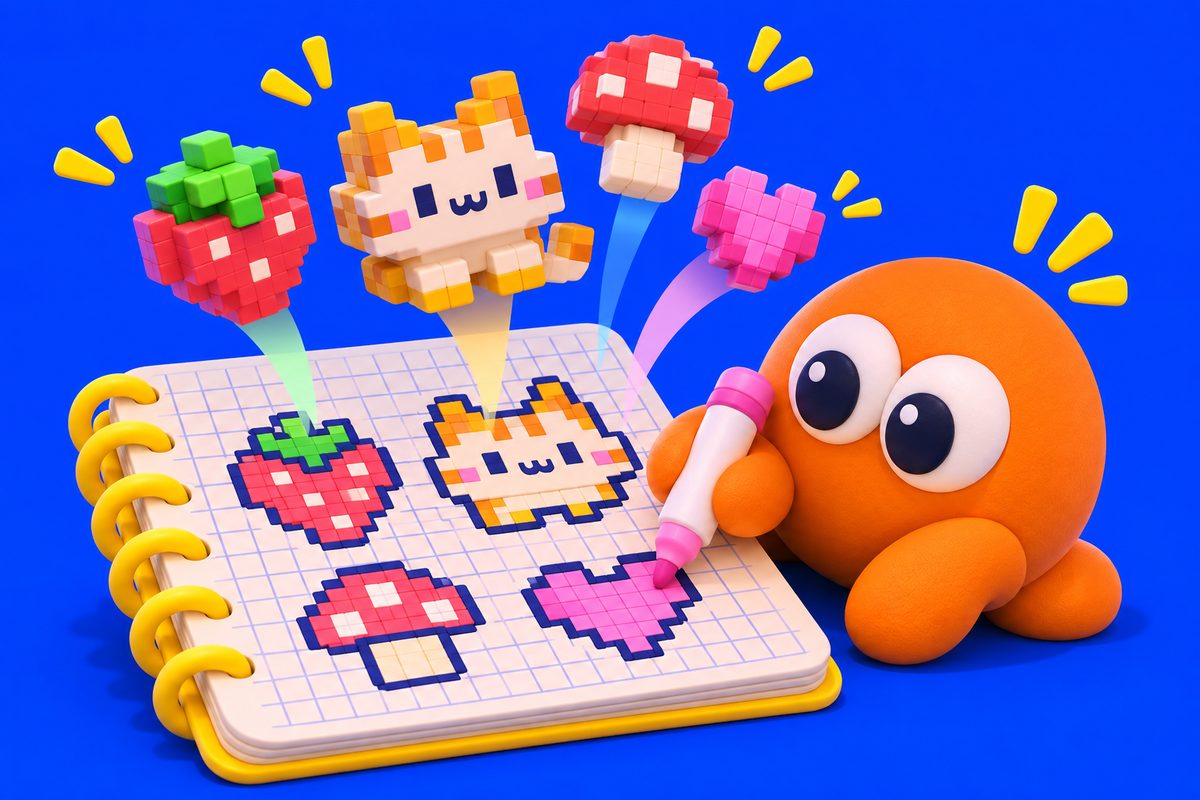
Pixel art looks like it should be easy. It's just squares, right? Then you open a blank grid, try to draw a cat, and end up with something that looks like a potato with ears. That's normal. Pixel art is a different way of drawing, where every single square is a decision, and the trick is picking subjects that work with the grid instead of fighting it.
This guide is a list of beginner-friendly ideas, grouped by theme, each with a suggested grid size. We'll also cover how to pick a small palette, why limits help, and how to start with nothing but graph paper and a pencil.
The best part: a finished 16x16 sprite takes an evening, not a month. It's one of the most satisfying small creative hobbies there is, and like coloring, it has a calming, one-square-at-a-time rhythm. We wrote about why that kind of focus feels so good in why coloring calms your brain.
Pick the Right Grid Size
Grid size matters more than anything else when you're starting. Here's how the three classic sizes feel:
| Grid | Good for | Feels like |
|---|---|---|
| 8x8 | Icons, simple shapes, single objects | A puzzle: every pixel counts |
| 16x16 | Characters, animals, food with detail | The beginner sweet spot |
| 32x32 | Scenes, faces, shading and texture | Real drawing, more time |
Start at 8x8 for a few warm-ups, then live at 16x16 for a while. Jumping straight to 32x32 or bigger usually means lots of empty space you don't know how to fill.
Food Ideas
Food is the classic beginner subject. The shapes are simple, the colors are bright and everyone recognizes a donut.
- Strawberry (8x8): a red rounded triangle, a green leafy top, two or three light dots for seeds.
- Fried egg (8x8): a wobbly white blob and a yellow circle. Add one lighter yellow pixel for shine.
- Donut (16x16): a tan ring, pink frosting with a wavy edge, scattered sprinkles in three colors.
- Slice of watermelon (16x16): a half circle in red, a stripe of white and green, black seeds.
- Onigiri (16x16): a white rounded triangle with a dark green rectangle of seaweed. Add a tiny face if you like.
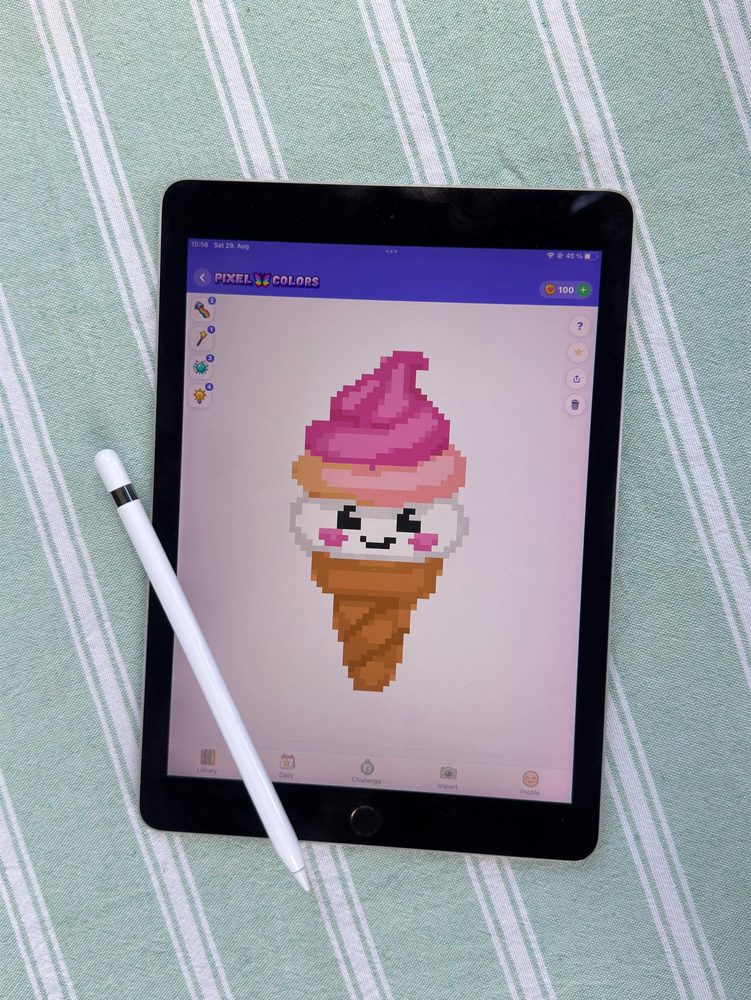
- Ice cream cone (16x16): a criss-cross cone and one or two scoops in different colors.
- Sushi platter (32x32): a few pieces side by side, good practice for repeating shapes.
Animal Ideas
Animals are harder, but small and cute versions work great. Focus on big heads and tiny bodies.
- Ghost cat face (8x8): two triangle ears, two eye pixels, done. You'll be amazed how readable it is.
- Frog (16x16): a green dome with two big eyes on top and a wide smile.
- Penguin (16x16): a black oval, a white belly, an orange beak and feet.
- Bunny (16x16): a round body, long ears, a pink nose pixel.
- Goldfish (16x16): an orange oval and a fan tail. A good way to practice curves.
- Sleeping dog (32x32): curled up in a circle. Lets you practice simple shading on the fur.
Plant Ideas
Plants are forgiving because nature is irregular. A slightly wonky leaf still looks like a leaf.
- Cactus in a pot (16x16): a green pillar with two arms and a terracotta pot. Add a single pink flower on top.
- Mushroom (8x8 or 16x16): a red cap with white dots and a pale stem.
- Sunflower (16x16): a brown center, yellow petals, a green stem with one leaf.
- Monstera leaf (32x32): good practice for holes and edges.
- Tiny tree (16x16): a round green crown and a brown trunk. Change the crown color for every season.
 Take a break and playPixel ColorsFill the squares, watch the picture appear.Play now →
Object Ideas
Everyday objects teach you straight lines and simple perspective.
- Heart (8x8): the first thing almost everyone draws. Add a white highlight pixel.
- Potion bottle (16x16): a round flask, colored liquid, a cork. Endless color variations.
- Coffee mug (16x16): a simple cylinder with a handle and a little steam curl.
- Game controller (16x16): good practice for symmetry.
- Key (8x8): a ring and a tooth pattern. Make it gold with one darker shade.
- Cozy lamp (32x32): try making the light glow by using lighter pixels around the bulb.
Seasonal Ideas
Seasonal sprites are great for small projects you can share, print or use as icons.
- Pumpkin (16x16): an orange squashed circle with vertical lines for ribs and a green stem.
- Snowman (16x16): three white circles, a carrot nose, a little scarf.
- Christmas tree (16x16): stacked green triangles and a yellow star.
- Snowflake (8x8): a symmetrical pattern, great for practicing mirrored designs.
- Easter egg (8x8): an oval with stripes or zigzags in pastel colors.
- Beach umbrella (16x16): a striped half circle over a sandy line.
Keep the Palette Small
Beginners usually use too many colors. Limiting yourself is the fastest way to make art look intentional.
- Start with four or five colors per piece: a dark outline color, a base color, one shade darker, one highlight and a background.
- Avoid pure black outlines everywhere. A dark brown or dark blue often looks softer and more natural.
- Shade by shifting hue, not just darkness. Shadows on a yellow object look better slightly orange; highlights on green can lean yellow.
- Borrow a palette. The free site Lospec has a big palette list made for pixel artists, from four-color Game Boy-style sets to larger ones.
Our guide to color combinations that actually work has more on picking colors that get along.
How to Start: Paper or App
On graph paper: grab squared paper, a pencil and colored pencils or markers. Outline a 16x16 square, sketch lightly, then fill whole squares only. Never half a square. Paper is great for planning because you can see the whole piece and you're not tempted to zoom in forever.
In an app: free browser tools like Piskel are perfect for beginners, with a pixel grid, a color picker and simple animation if you get hooked. Aseprite is the paid favorite of many indie game artists, and LibreSprite is a free alternative based on an older version of it. On a tablet, most drawing apps have a pixel or hard-edged brush you can use on a small canvas.
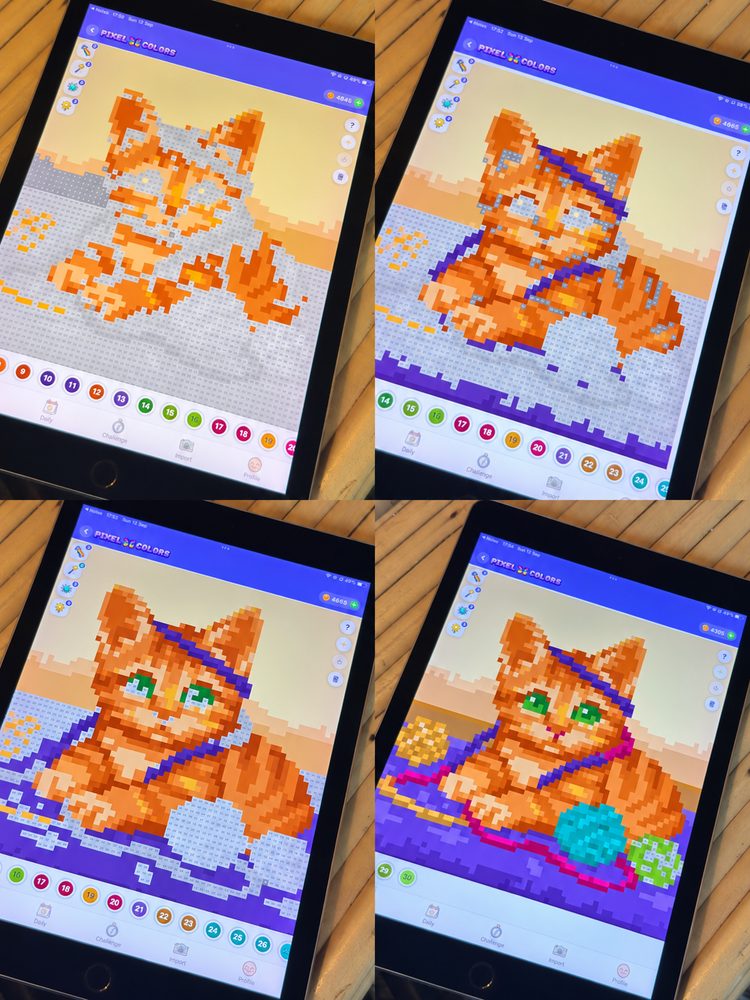
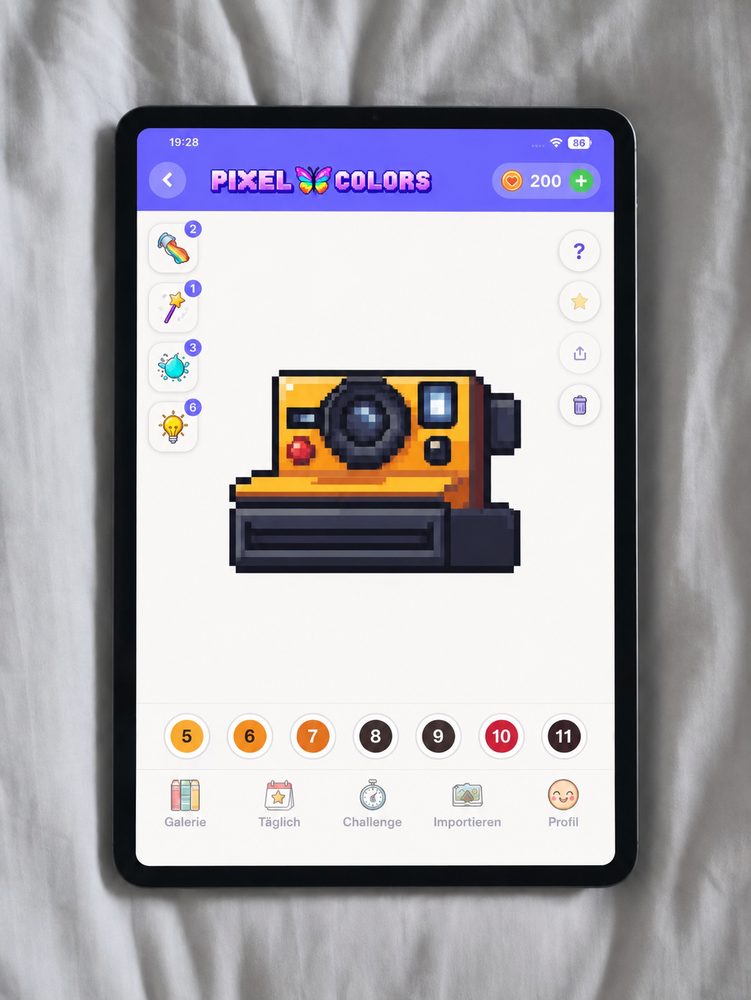
Just want to color? If you'd like the pixel feel without designing anything from scratch, Pixel Colors gives you ready-made pixel art to fill in square by square, numbered so you know which color goes where. It's also a sneaky way to learn how good sprites are built.
A few habits that help in any medium:
- Draw the silhouette first, then add details.
- Zoom out often. Pixel art is meant to be seen small.
- Clean up "jaggies," those uneven stair-steps in curves, so lines step in a steady pattern like 1-1-1 or 2-2-2.
- Keep a sprite sheet of everything you make. Watching it grow is very motivating.
Your First Tiny Masterpiece
Pick one idea from this list, set up a 16x16 grid and give yourself one evening. Don't aim for perfect. Aim for finished. Your strawberry might be lopsided and your penguin might look a little surprised, and that's part of the charm.
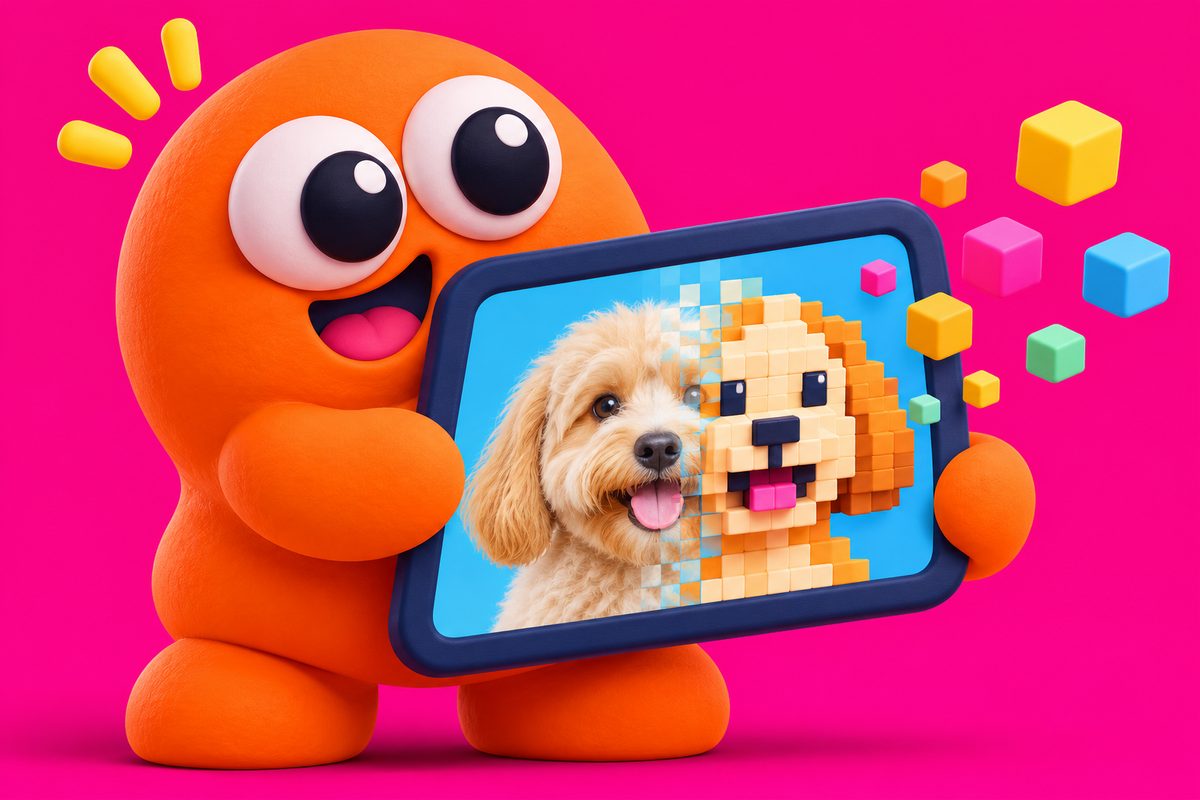
Once you've made a few, try turning something real into pixels, like your pet or your favorite mug. Our guide on how to turn any photo into pixel art walks you through it step by step.